



 Live clearances to every fence
 Share by link, no account
 Concept plans, not planning advice
Free
£0/mo
Create a workspace- 3 team members
- Lead inbox, pipeline and analytics
- Embed the designer and enquiry form
- Website builder and hosting

A 3D experience for your customers. A complete workspace for your team.
Try the designerExplore business features
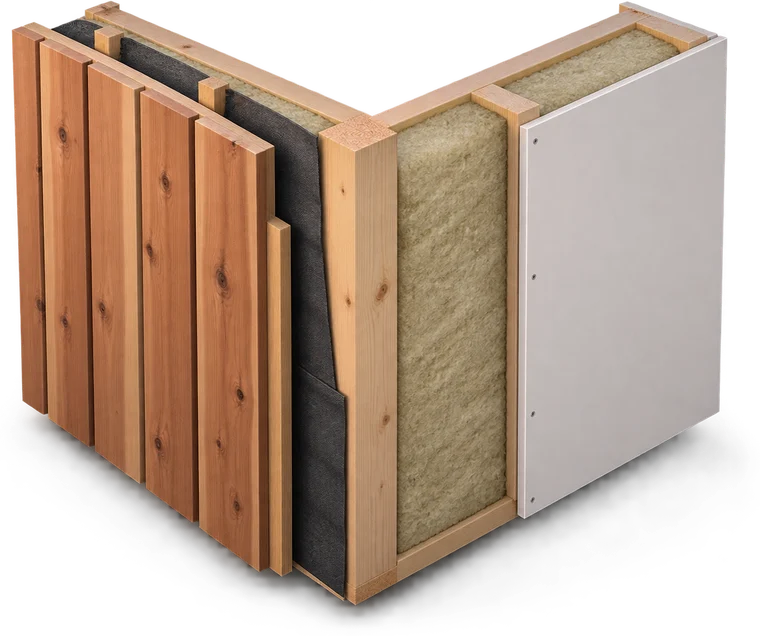
Explore cladding, roof and glazing options.
From the first idea on your website to the next conversation with your customer. Your designs, enquiries and team, together.
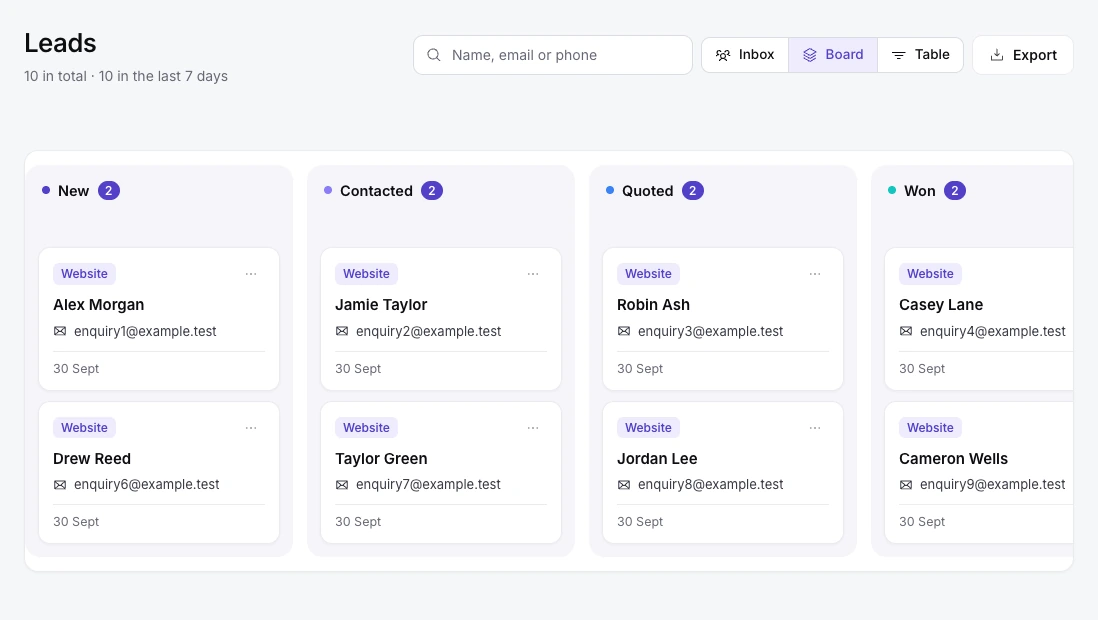
Create your workspaceA split inbox, pipeline board and table. Pin important leads, add team notes and keep a clear activity timeline.
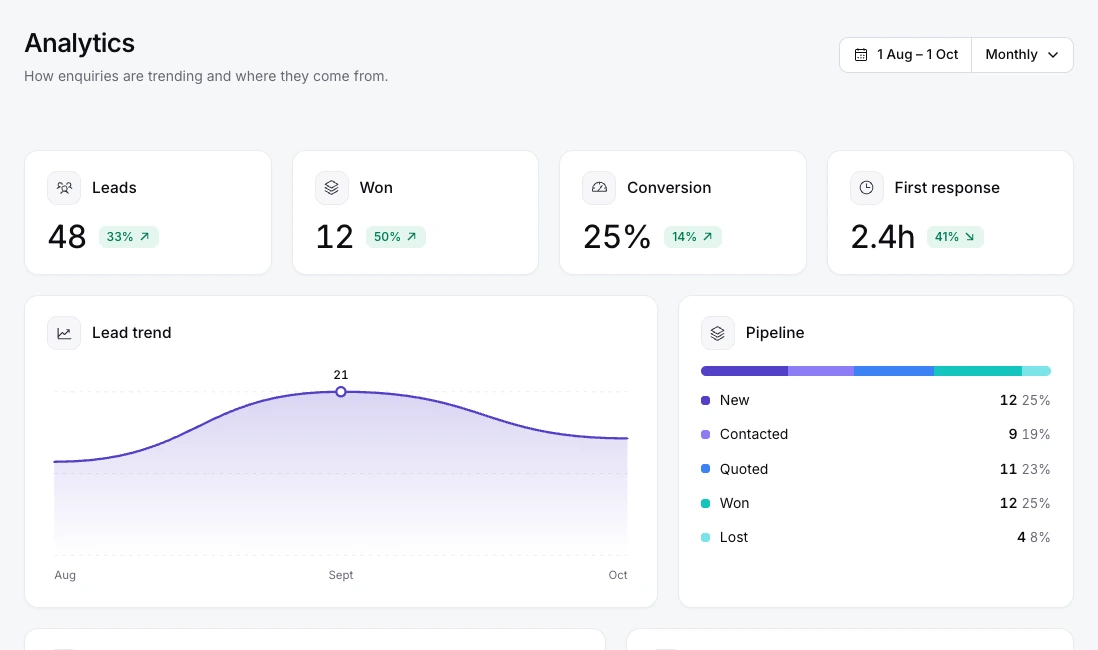
Track enquiries, won projects, conversion and response times. Filter by date to understand your pipeline.
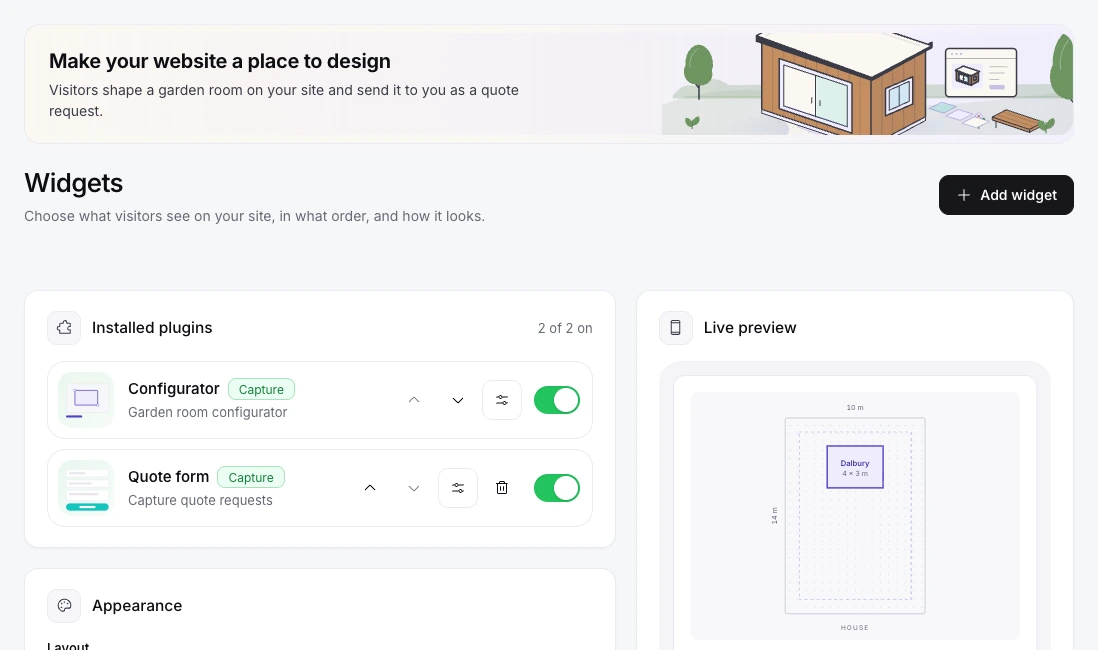
Embed the configurator on your website, choose widget plugins and start customers with your own room templates.
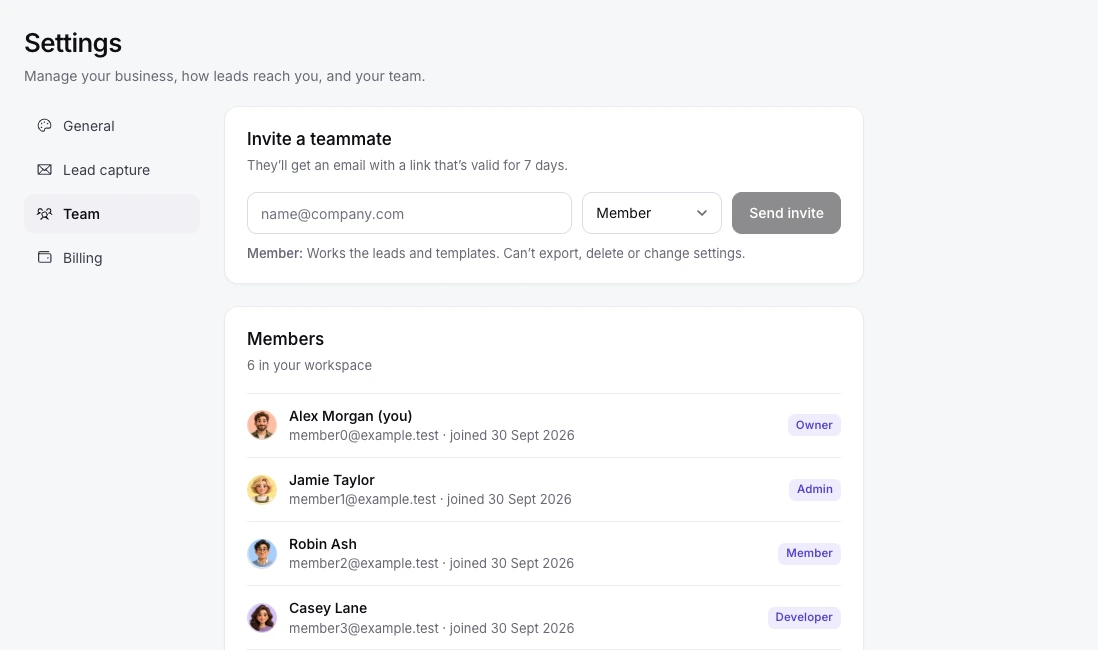
Invite colleagues as admins, members, developers or viewers. Keep customer details and billing behind the right permissions.
Shopify, Wix, WordPress and more. Bring the garden-room experience to the platform you already call home.


Install with an embed code or iframe. Your website plan must support custom code.
Connect your websiteGo further with email notifications and CSV export. Pro includes API access and signed webhooks for custom workflows.
An assistant that reads your website, builds the next one, publishes it and answers questions about your business. You approve every change.
It reads your public pages politely, collects your logo, colours, wording and photos, and shows you what it found before anything is used.
Try it with your website
Revamp www.oakstudios.co.uk
Your enquiries, your widget, your website. One assistant that knows all three, and waits for your approval before it changes anything.
Get started How many enquiries did I get this week?
 Add a WhatsApp button using 07700 900123
 Change the main colour to #1e3a5f
 Is my designer installed on my website?
Four calm steps. Change anything at any point and the plan updates instantly.
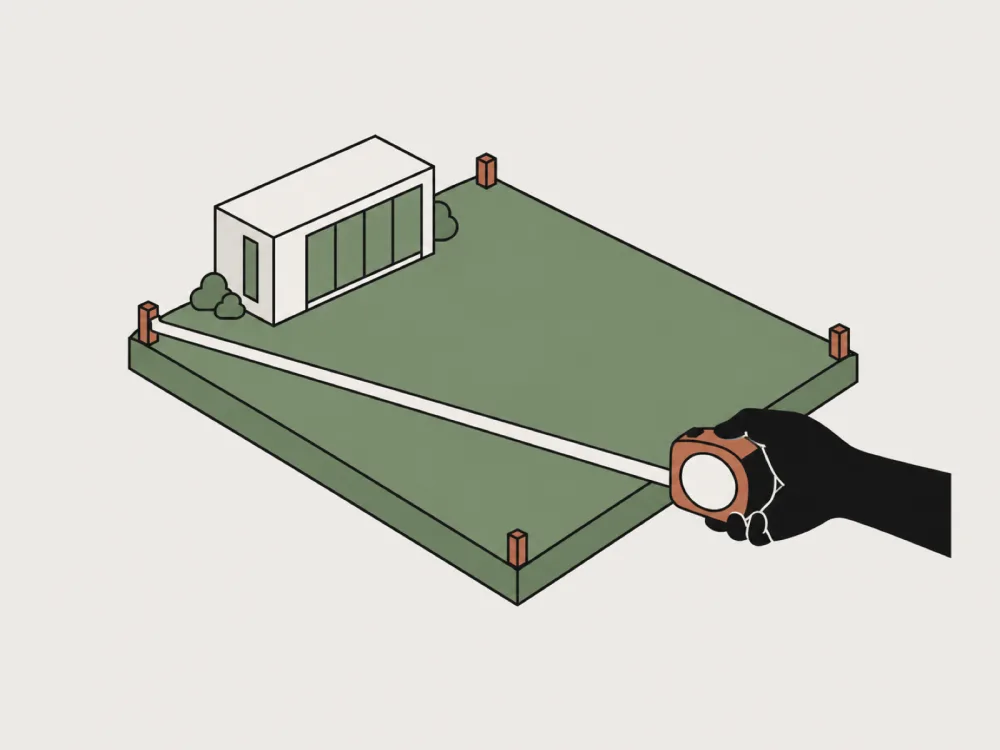
Enter the width and length of your plot. The house sits along the bottom edge, so the plan matches what you see from the back door.
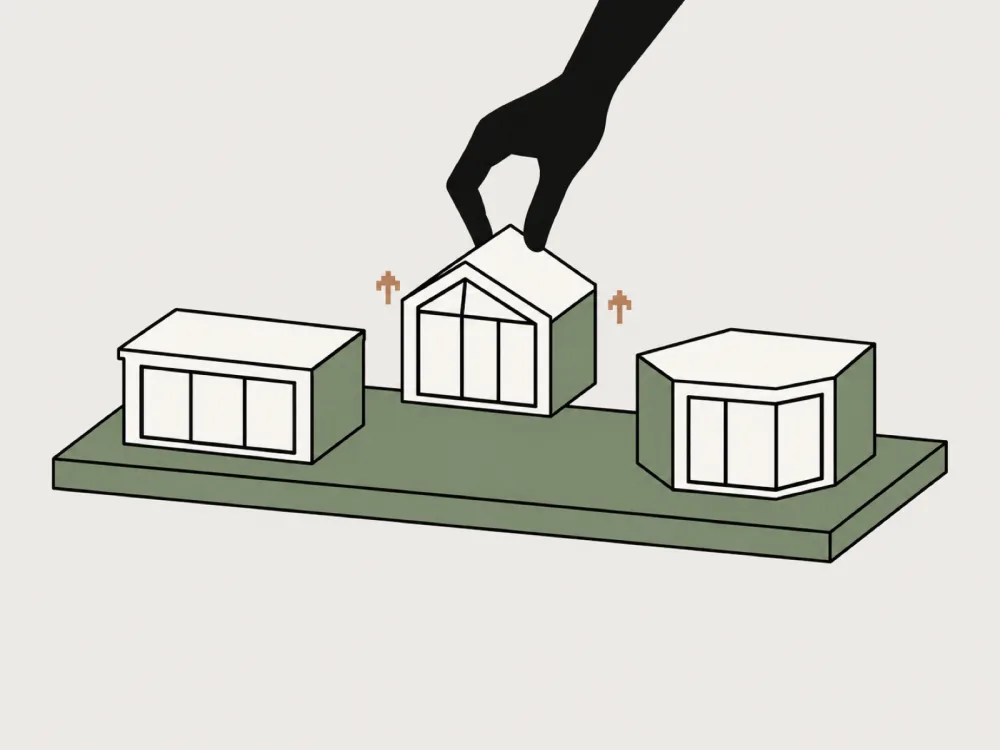
Pick a collection and model, then adjust width, depth, height and wall thickness until it feels right.
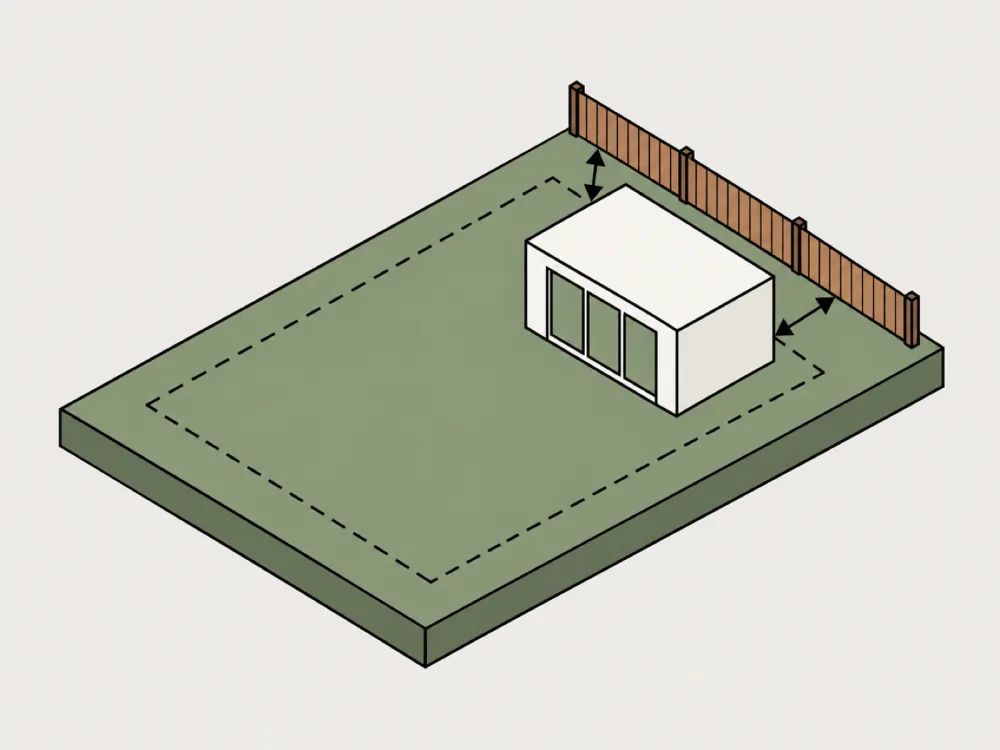
See the gap to every fence live in metres, and set your own setback, coverage and height targets.

Send a link to a partner or supplier, or export a one-page specification for your records.
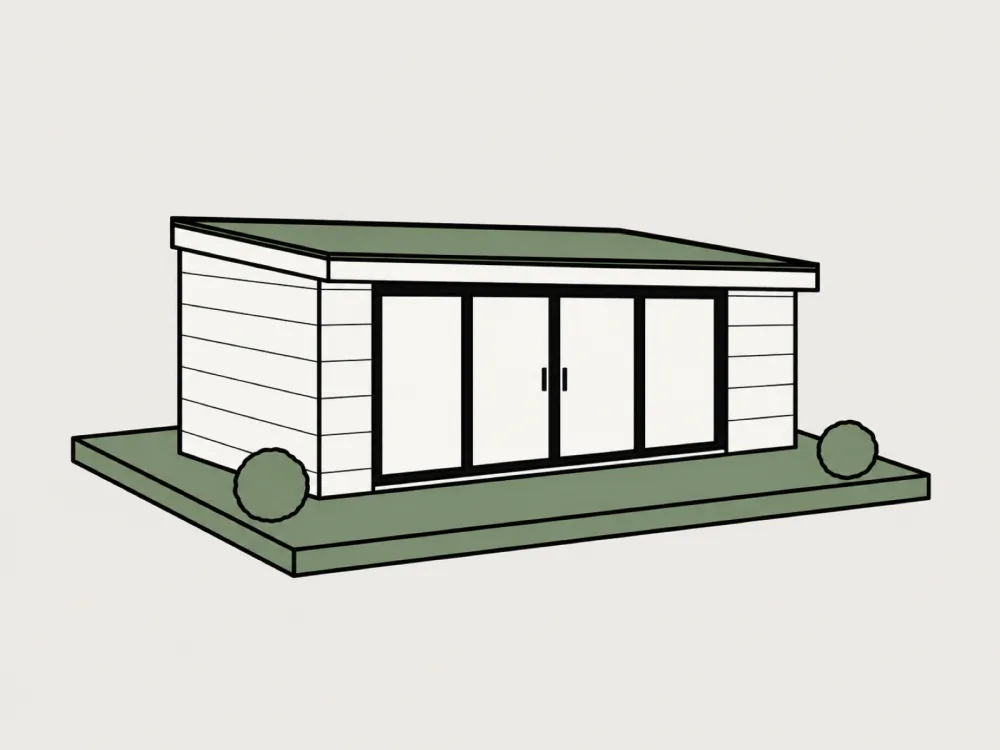
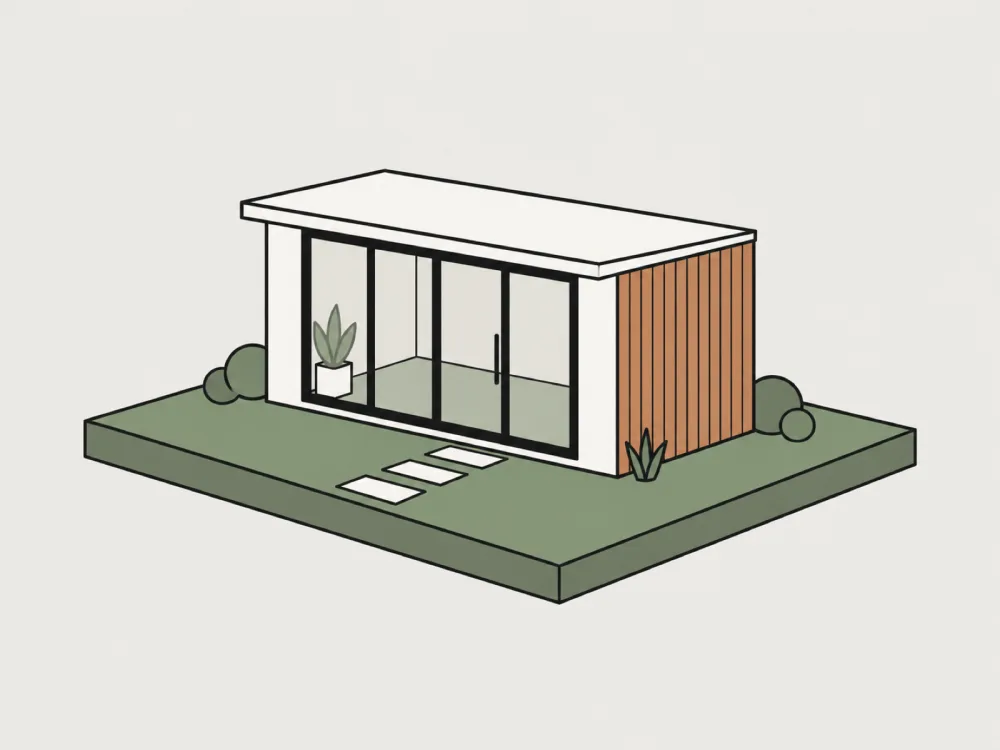
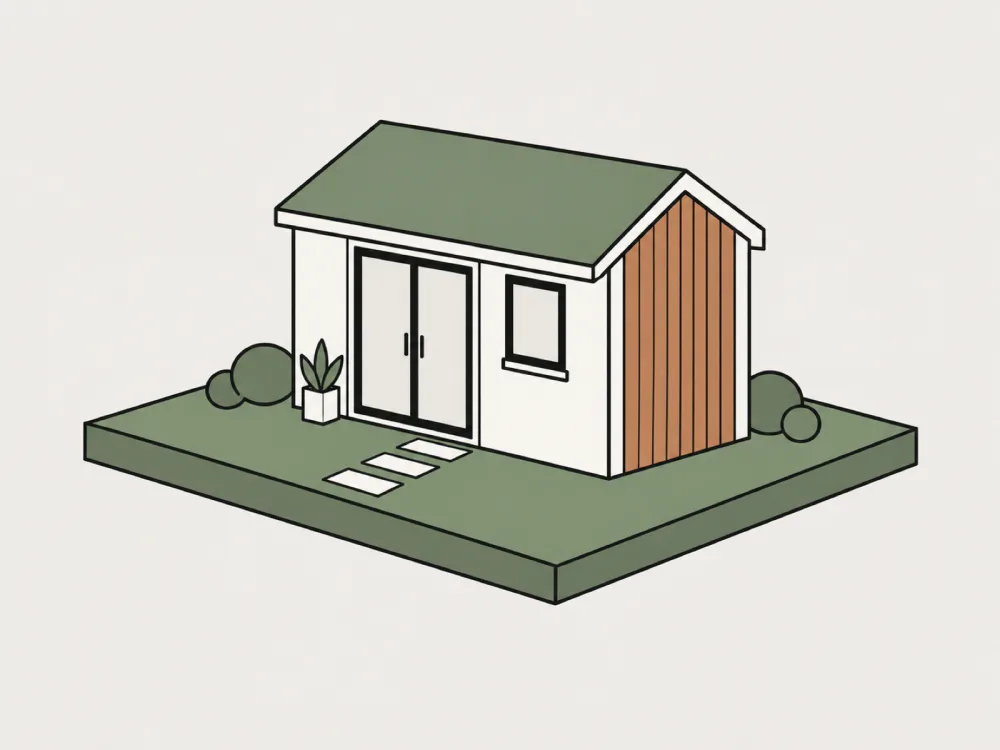
Choose a starting point. Shape the size, finish and layout around the garden you have in mind.
Concept styles inspired by Garden Rooms For You. Starting dimensions are editable; confirm the final specification with your supplier.
Your inbox, designer, website builder and team. Start free, no card needed.
Try the designer for free. Looking for the business workspace? Create a business account.
For homeowners exploring ideas.
Best choice
For installers and builders.
The Free plan is available now. Pro and Trade prices are indicative and may change before launch.
Yes. Paste your address and we read your public pages, then draft a new site from your logo, colours, wording and photos. You pick a style, edit it, preview it privately and publish when you are happy. Only public pages are read, nothing on your current site is changed, and every published version is kept so you can go back.
You can add a domain and prove you own it today. Connecting that domain to the published site is being rolled out, so for now the site is served from its Gardenroom address.
The built-in helper works with no setup. When your workspace is connected to Claude, GPT or Gemini, you can choose it in the assistant. A provider only appears once it is set up and working. The assistant prepares changes for you to review and never publishes or changes anything without your approval.
Embed the configurator on your website, receive quote requests with submitted designs, manage a lead inbox and pipeline, add notes, review analytics, invite your team and export leads. Pro includes scoped API keys and signed webhooks for custom integrations.
Website embedding, email notifications and CSV export are available. Pro API access and webhooks let your developer connect other tools; those custom connections need setup and are not prebuilt app integrations.
Yes. The 2D plan, the 3D view, clearance checks, sharing and printing are free. Businesses can also create a workspace to manage their widget, enquiries and team. The homeowner plans listed here are separate from business subscriptions.
Often not, but it depends on size, height, how close it is to a boundary and whether your home is in a conservation area or has other restrictions. Gardenroom Studio helps you visualise clearances against targets you set, but it is not planning advice. Check with your local planning authority before you build.
No. Starting sizes are editable concepts in metres, not supplier dimensions. Confirm the final size, specification and price with your supplier.
The styles follow the published collections at Garden Rooms For You. Gardenroom Studio is an independent planning tool and does not provide quotations.
Yes. The Share button copies a link that contains your whole plan, so anyone can open it and keep adjusting. Nothing is stored on a server.
Yes. The 3D view runs on modern phones and tablets. If your device cannot show 3D, the 2D plan is always available.